Known Issues
Current known problems in the Octostaff add-in and available workarounds.
Google 2FA Authentication Opens in External Browser
When using Google two-factor authentication in the Word add-in, the OAuth consent page sometimes stuck on "Waiting for authorization" page and opens in a separate Edge browser window instead of staying within the add-in pane.
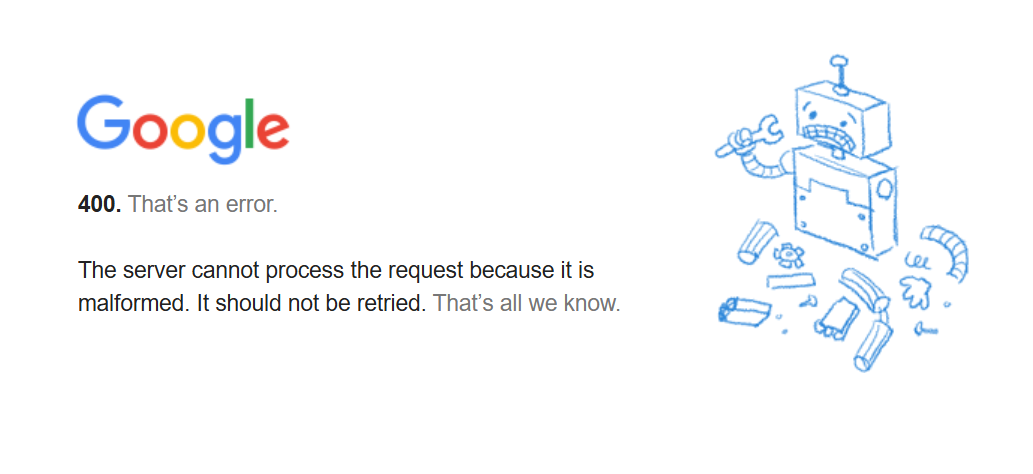
Error: "400. That's an error. The server cannot process the request because it is malformed. It should not be retried."
Workaround: Close the add-in pane and relogin. Since the Google account has already logged in status inside the pane, the login will complete instantly without requiring 2FA again.